
A video overview of these ideas is available on YouTube: Trippy Music Visuals Without Tripping Up on Node Graphs
If you are a visual artist who has been wondering how to feature your art through a DJ set, or you're a DJ who has been curious about expanding into the visual realm, you've probably come across node-based editors like TouchDesigner, Notch, or the node systems inside Blender and Unreal Engine.
This post explores why nodes are such a compelling interface for multimedia art, where they start to fall short in practice, and how Vizloom's approach tries to strike a balance between the flexibility of nodes and the speed of use of track-based interfaces.
Why Nodes Work So Well for Creative Work
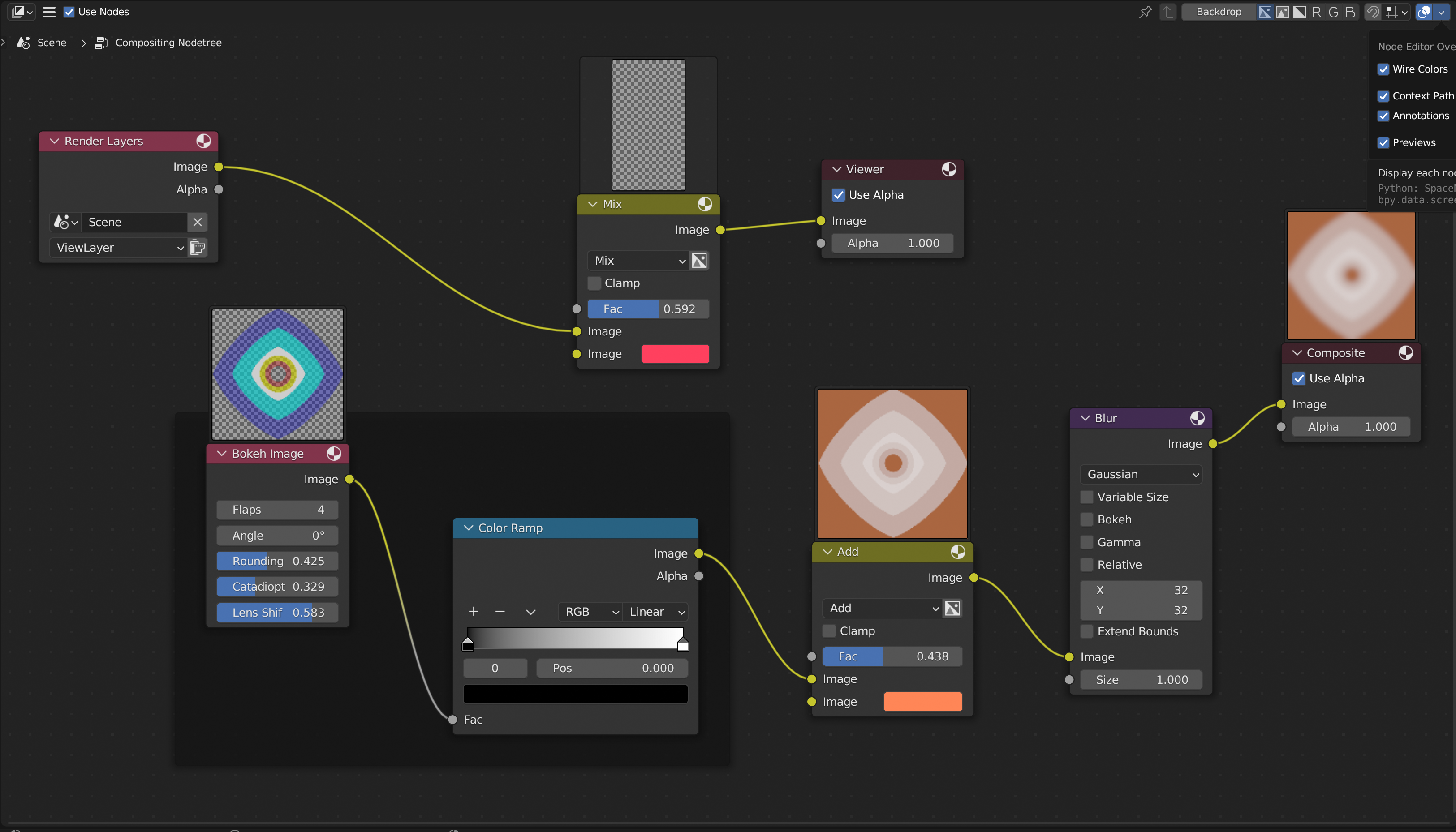
An example of nodes as used in the Blender compositor.
Nodes are an amazing kind of user interface when it comes to building multimedia artwork. At their core, they marry the flexibility you would have in a coding language with the immediacy and ease of use of a regular graphical interface.
If you have parameters that influence your visual, there's probably a slider you can drag and preview the results in real time. If you have images as inputs, you can see at a glance what those images are and where they're going in your creation. The flow of data is laid out spatially: you can understand the logic of your composition at a glance, rather than trying to parse it from a wall of code.
This is usually a more natural way to work for artists, without compromising on creative range and control.
Spaghetti Code
At the same time, nodes can get very messy, very quickly.
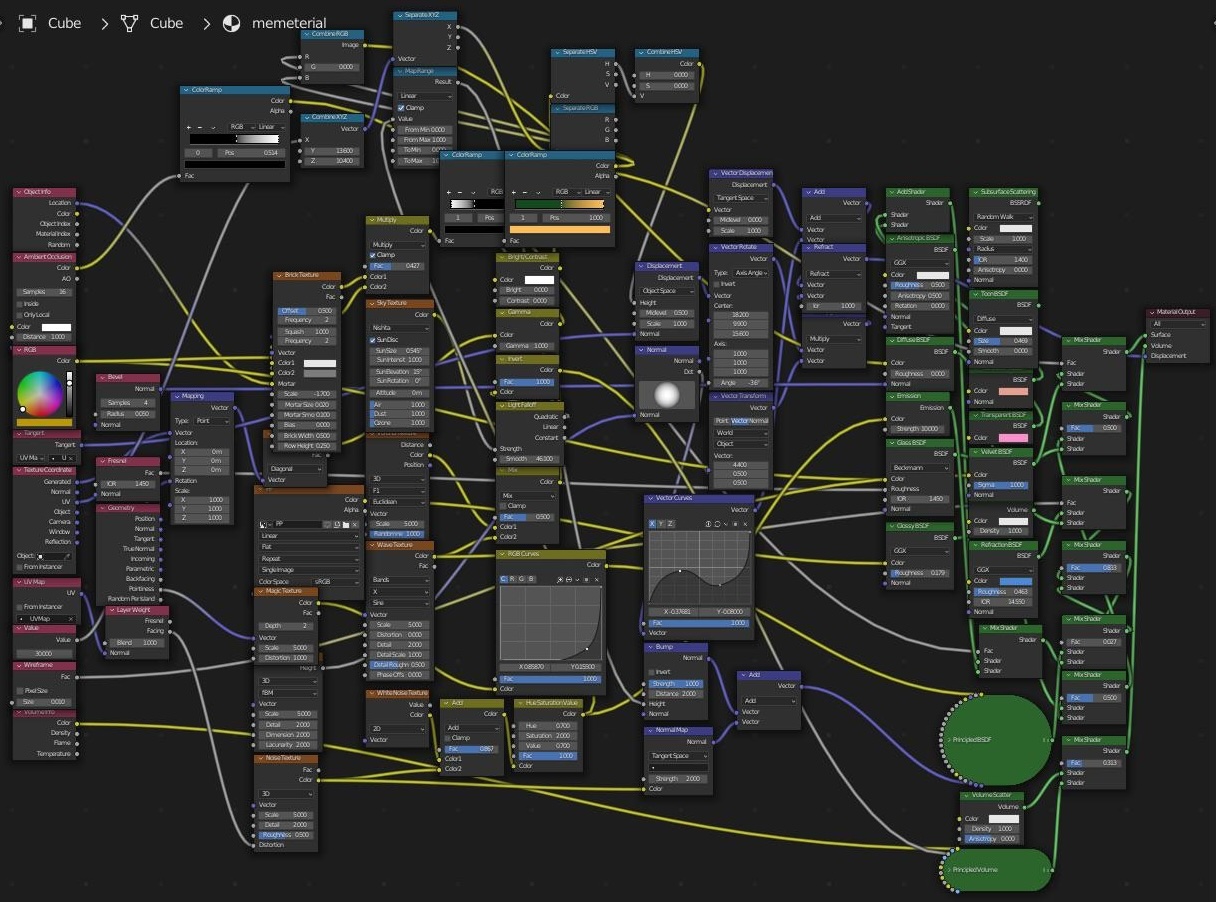
Also an example of nodes in Blender, but these ones got out of hand...
There's a term in software development called "spaghetti code": it describes code that's so intricate and tangled that it becomes difficult to understand. I've never seen anything that gets closer to that metaphor, quite literally, than a complex node graph. When what you're trying to build is particularly complicated, you end up constantly dragging things around, making sure nodes don't overlap, and attempting to click on tiny sockets with mixed luck.
Nodes are great when you have the time and headspace to craft something carefully. But they're less great when you need to work quickly, at higher volumes. Imagine you need to create different visuals for each of the 15 or 30 songs in your playlist for an upcoming DJ gig. You probably wouldn't want to dive into a node editor for every single track.
This tension between creative depth and practical speed is a common subject of contemplation for users of node-based tools.
A Hybrid Approach
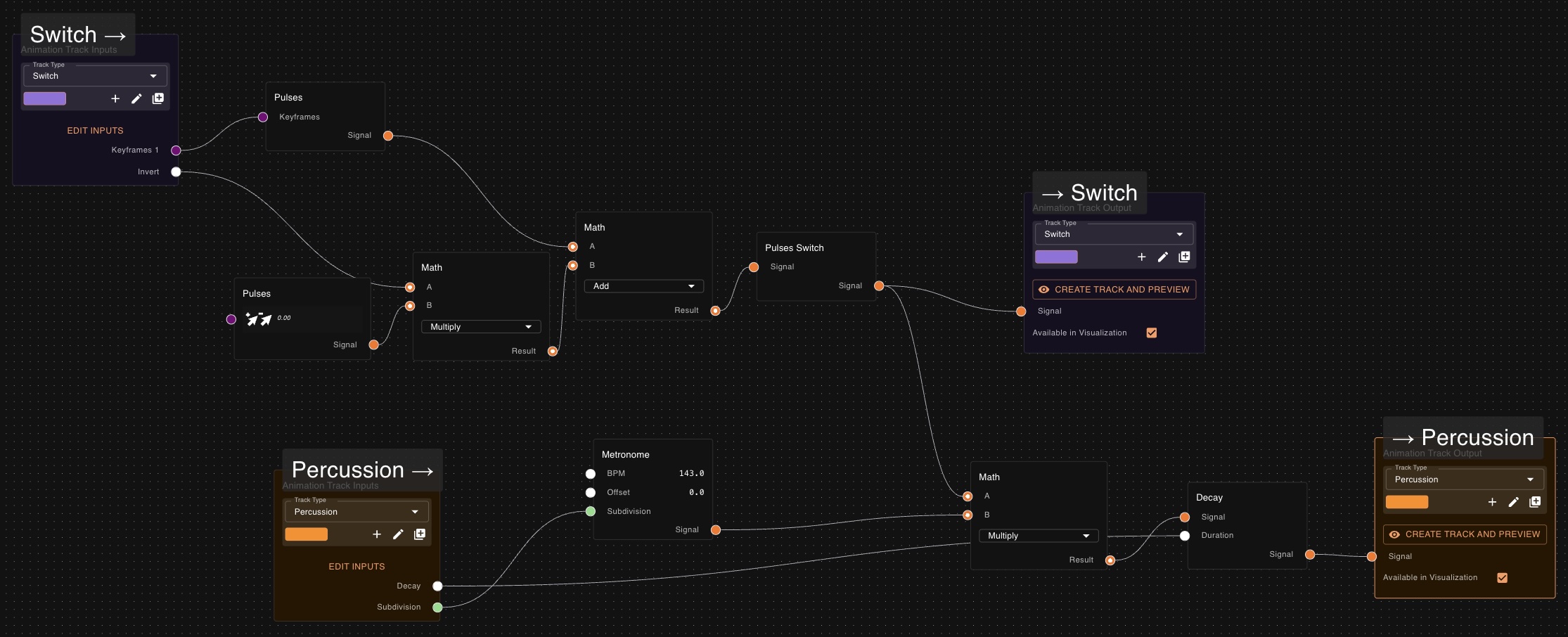
In Vizloom, node editors are meant to be used only occasionally. They are available to further customize existing templates, or even build new ones. They define the tools and primitives that shape your vision of how music relates to a certain visual style.
This is where you build various types of animations and visual effects. You can also describe how tracks interact with each other. It is the place where you exercise full creative freedom and build exactly what you want.
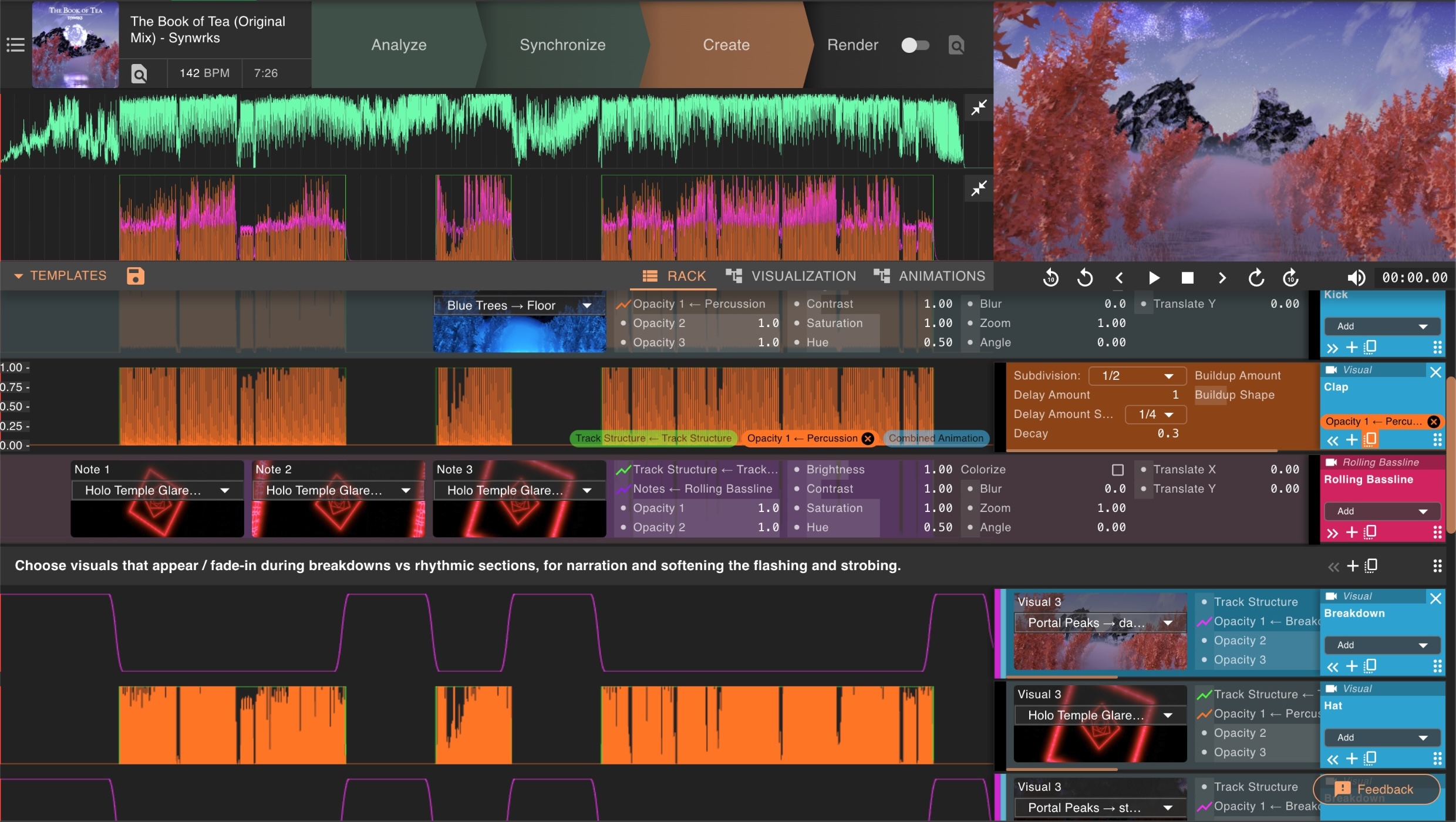
The Rack View is where you reuse those ideas repeatedly across songs, far more quickly. It's closer to the interface you'd find in a video editor or music production software (a crossover between the two, really). It surfaces all the relevant controls on one page: sliders, pickers, and graphs that map directly to the parameters and animations you decided matter most.
The Rack View allows you to reuse the logic from your nodes multiple times in the form of tracks, each with their own values. This means you maintain a wide range of flexibility without having to dive back into nodes at all. For example, if you created a "percussion" graph, you can then fine-tune it into "kick" and "clap" tracks directly in the Rack View.
Thinking in Templates
Over time, this approach encourages you to think in terms of templates: reusable creative editor setups that capture your visual style. A template encodes everything you built in the node editors plus the starting structure and defaults of your rack.
The objective becomes developing one or just a few templates that express your specific editing style, or animations designed for specific music genres. You then use them consistently to visualize songs very quickly. When you encounter a song that demands something your current template can't handle, you dive back into the nodes, extend the template, and from then on every future song benefits from that extension too.
Where to Go from Here
If this way of thinking about visual creation resonates with you, here are a few paths to explore:
- Quick Start Guide — Get up and running with Vizloom in minutes using pre-built templates.
- Tracks and Nodes — A hands-on guide to building your own track types from scratch.
- Rack View — Understand how tracks can affect each other based on ordering and nesting.